
- aims products
Introducing Highlights in Prompt Search
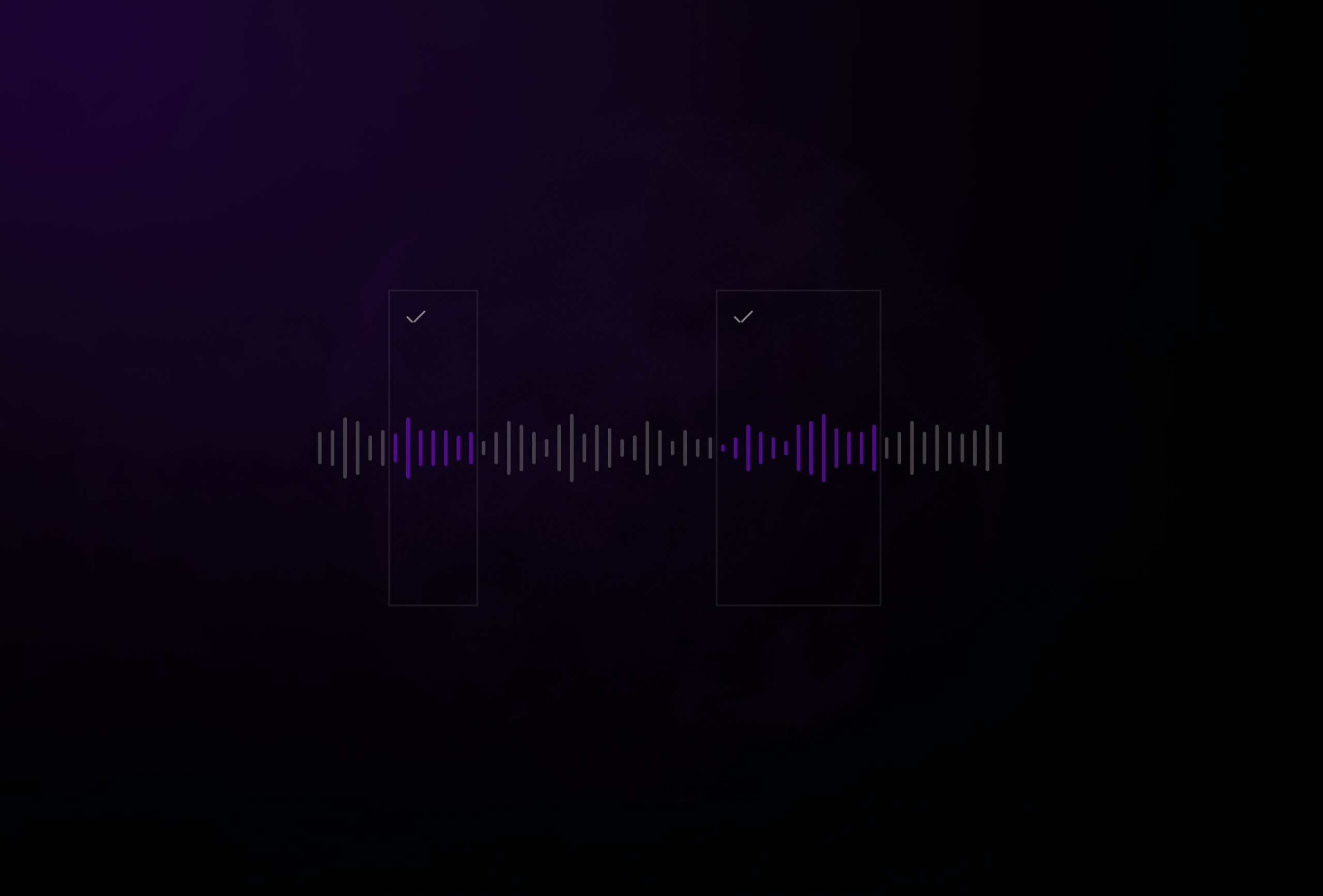
Many music teams love Highlights in Similarity Search because it starts playing at the most relevant moment in each track and saves them a ton of time.
You do not have to listen from the top. You do not have to click through the full track to check if it fits. You hear the key snippets immediately, so you can move through results faster.
And now that same Highlights magic is built into Prompt Search.
.gif&w=3840&q=75&dpl=dpl_AC737x6Fjd1mAaTEKwxYTPRHVwV8)
What Highlights does in Prompt Search
When you search using a prompt, each result shows the segment of the track that most strongly matches what you described.
If you search:
“I need music for a tense reunion scene.”
You see where in each track that tension actually builds. Maybe it is a restrained piano passage with underlying strings. Maybe it is a subtle rhythmic pulse that creates unease. That specific section is highlighted.
You can start playback directly from there.
No guessing. No manual scanning for the right part.
This is especially important in Prompt Search because you are describing something conceptual. A mood. A scene. A feeling. Sometimes even a narrative context. Highlights lets you hear the part of the track that best reflects that description.
It turns a ranked list into something you can review quickly and confidently.
What it does not do
Highlights does not identify musical structure.
It does not label “verse,” “chorus,” “build,” or “drop.”
It shows relevance to your search. Not structural analysis.
If the most relevant moment to your prompt happens to be in the second half of a verse, that is what you will see. If it is a subtle instrumental lift rather than the main hook, that is what will be highlighted.
Where this helps in real life
1. Sync teams at record labels and publishers
A team responding to 20 or 30 briefs a week needs to move quickly. With Highlights in Prompt Search, they can jump directly to the part that aligns with the brief and make a faster decision.
2. Music supervisors
When a music supervisor runs a search, they can hear the most relevant moments that match their creative intent. That makes it easier to decide whether a track truly fits.
3. Production music companies
When you are working across hundreds of thousands of tracks, speed is not a luxury. Highlights makes it easier to compare the strongest snippets across several candidates without breaking your flow.
Highlights started in Similarity Search. Now it works in Prompt Search too.
If you are already using Prompt Search, you will see it in your results.
If you want to try it or see how it works in your own catalog, book a demo below. 👇